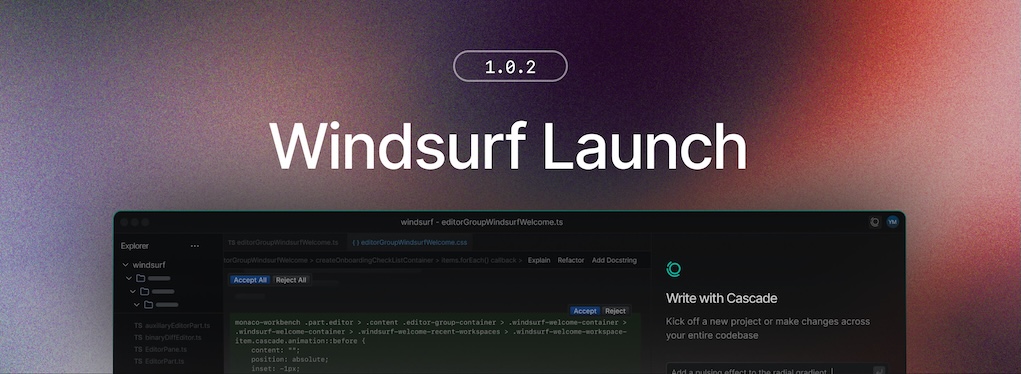
Bug Fixes and Improvements
- Fixed availability issues with swe-check model for some users.
- Improved terminal processing performance
- Restored conversation sharing
- Repaired path resolution for the Devin local agent on WSL
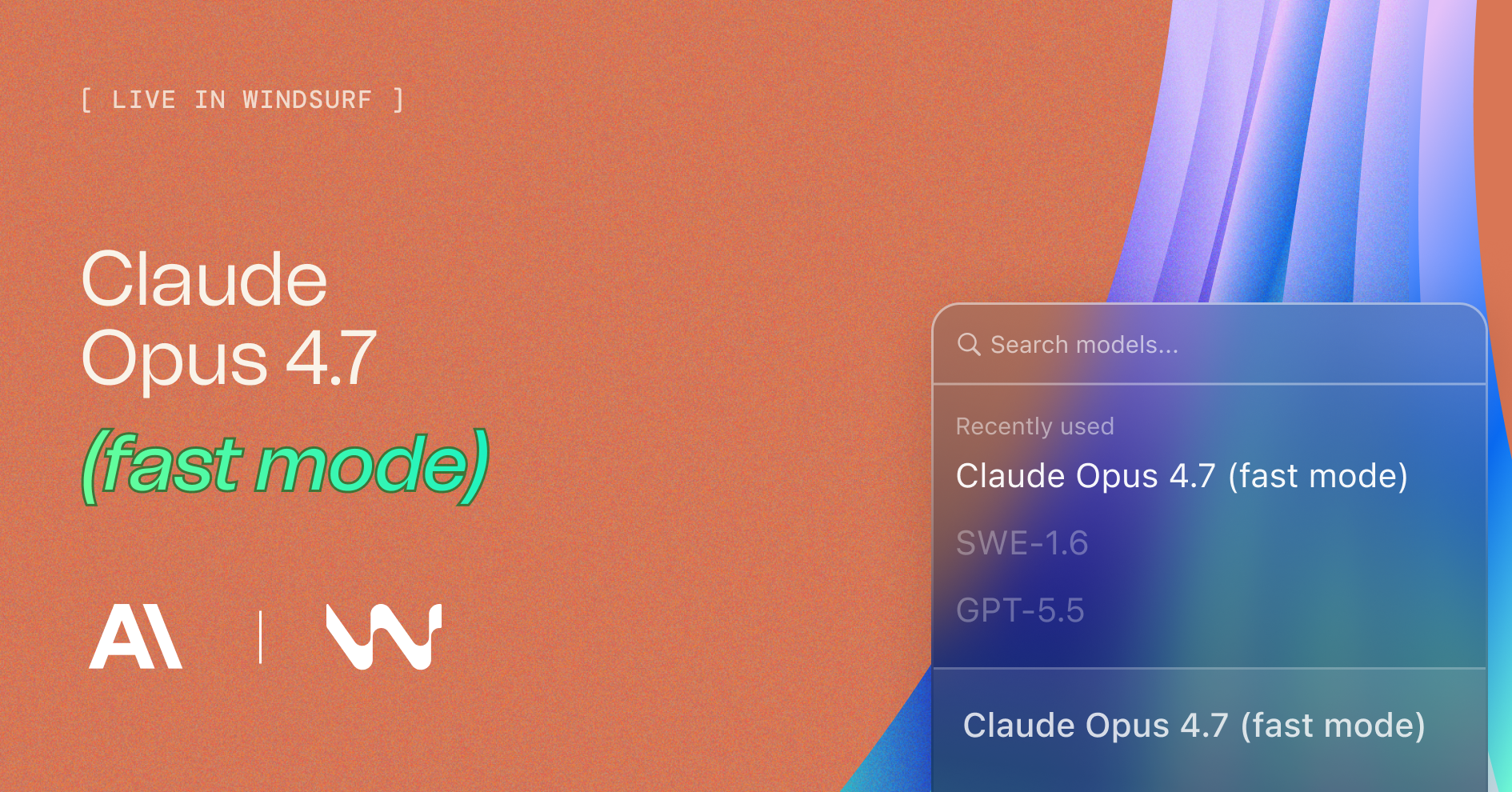
Claude Opus 4.7 (fast mode) is now available in Windsurf.
Opus 4.7 (fast mode) has the full intelligence of Opus 4.7 but with ~2.5x higher output speeds.
All Windsurf IDE users now have access to Devin Review and Quick Review with your existing subscription.
We have fixed a bug preventing updates for some users on Windows. To upgrade to this version, you may need to:
devin.exe processesDevin is now available for Terminal. All Windsurf users can use this new CLI agent with your existing subscription.
You can also enable the new Devin Local agent in Windsurf. This is the same agent harness used on the terminal and sessions can be accessed from both Windsurf and the CLI.
In our testing, it's up to 30% more token-efficient than the existing Cascade agent.
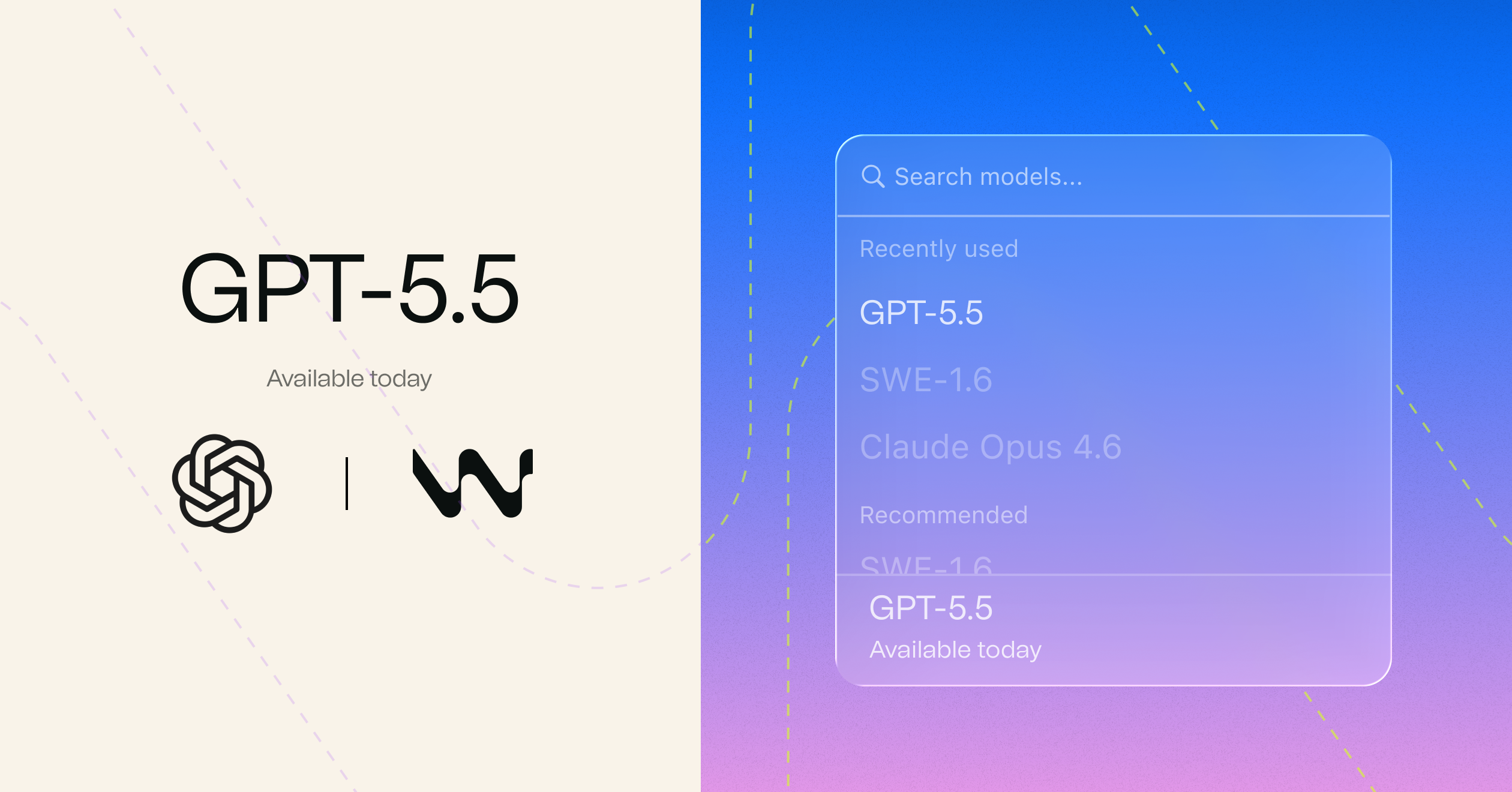
GPT-5.5 is now available in Windsurf.
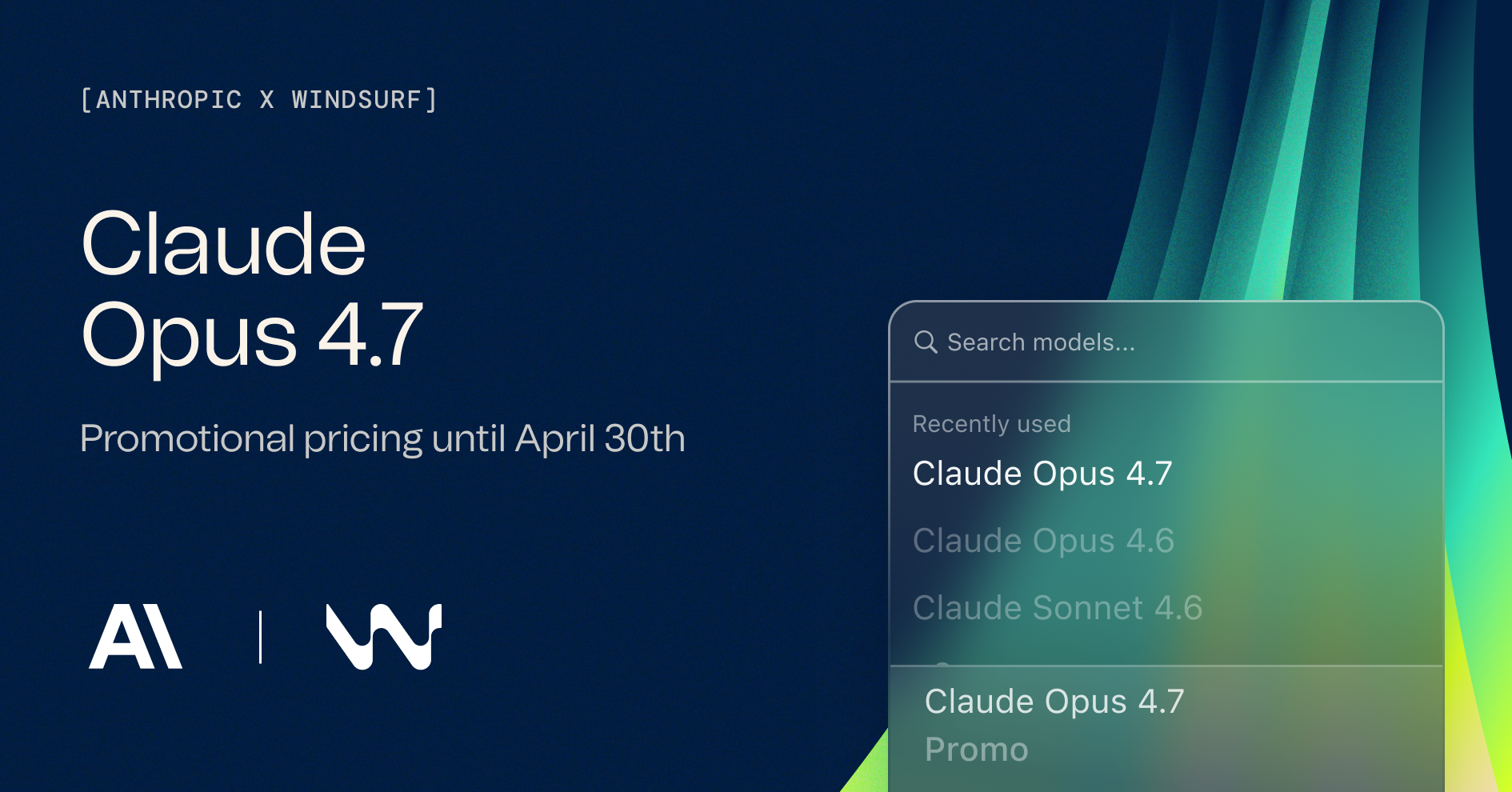
Claude Opus 4.7 is now available in Windsurf.
Read the full announcement here.
Note: Access to Devin Cloud is rolling out gradually. If you don't see it yet, try logging out of the website and IDE then logging back in.
Devin Cloud is disabled by default for enterprise accounts. Enterprise admins should enable Devin access in their organization settings if they have already purchased Cognition Platform.

We fixed a bug with the adaptive model router which prevented switching models after the first request.
All users who encountered the bug have had quota reset and overage restored.
We've made several model packaging changes, with more info here.
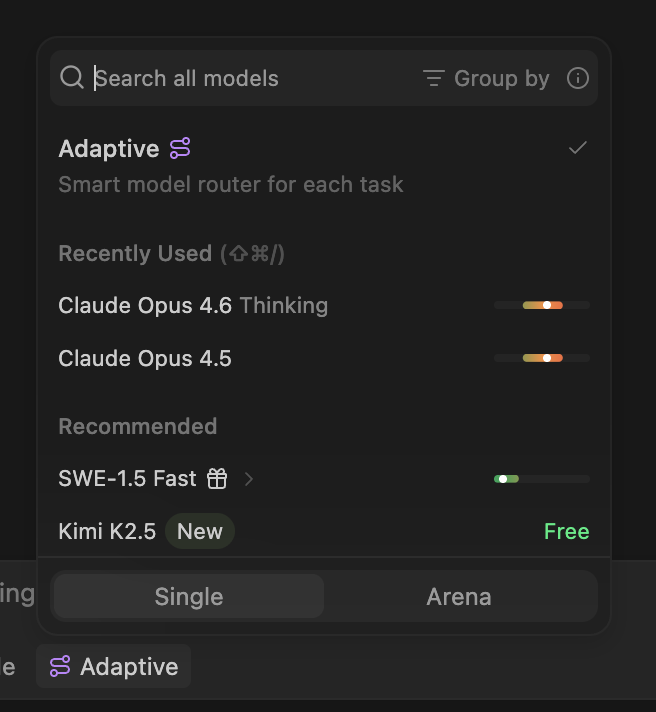
A new Adaptive model option is now available in the model picker. Adaptive intelligently selects the best model for each task, helping you make your quota last longer by avoiding overuse of premium models.
The model picker now shows token pricing information directly, so you can see the exact rate extra usage is billed at.
We've improved the visibility of the adaptive model in the model picker.
GPT-5.4 Mini is now available in Windsurf, starting at 1x credits (promo).
.windsurf/skills/ directoryAGENTS.md being ignored by Cascade in specific cases
GPT-5.4 is now available in Windsurf with limited-time promotional pricing for self serve users:
We introduced a new model picker that groups models by family and adds a hovercard with toggles for specific variants, like reasoning effort and speed. Separately, we also added the ability to pin models.
POST_CASCADE_RESPONSE_WITH_TRANSCRIPT cascade hookwindsurf.cascade.readClaudeCodeConfig flag to disable reading Claude configuration
Gemini 3.1 Pro is now available in Windsurf with limited-time promotional pricing for self serve users:
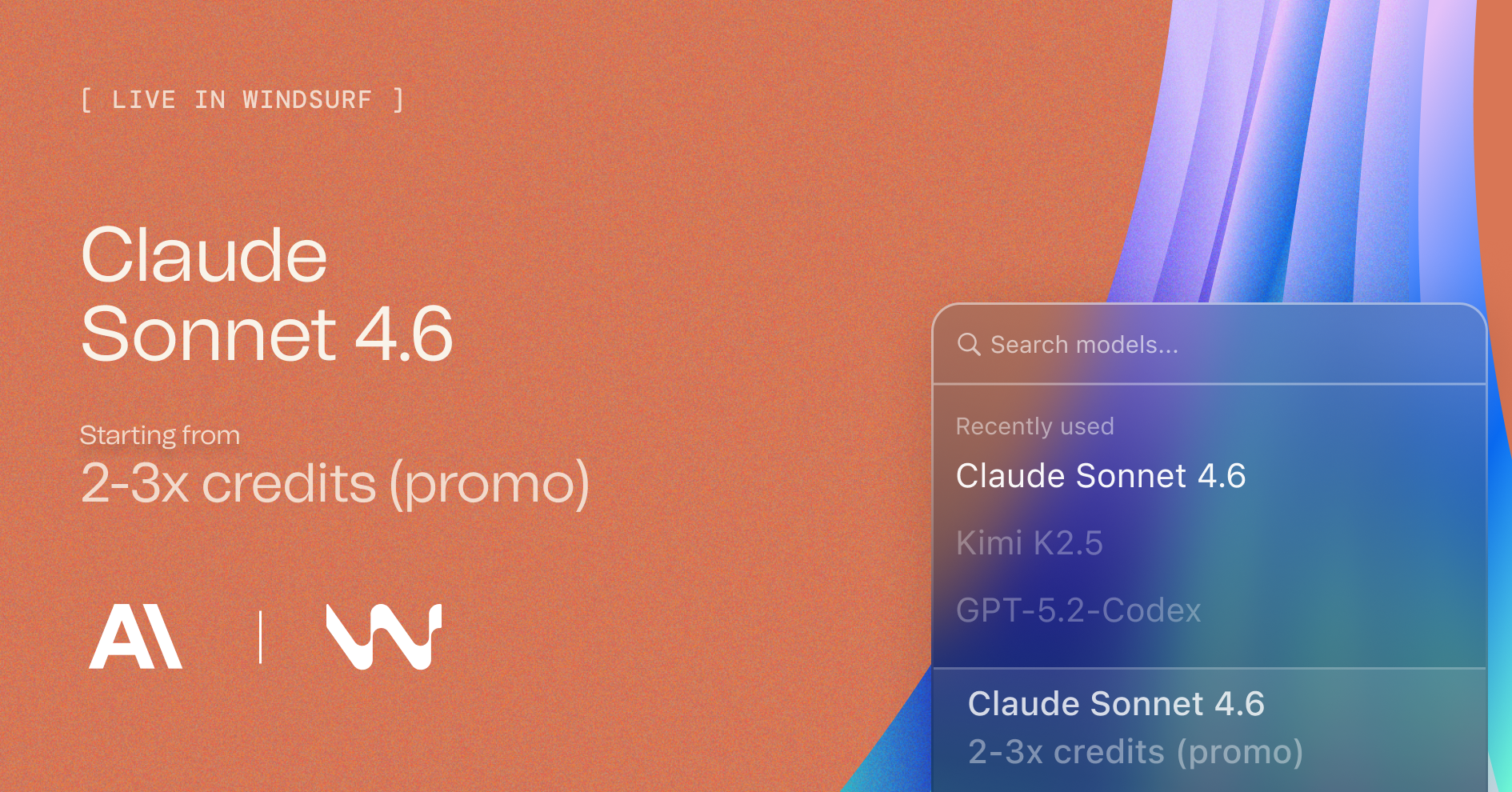
Claude Sonnet 4.6 is now available in Windsurf with limited-time promotional pricing for self serve users:
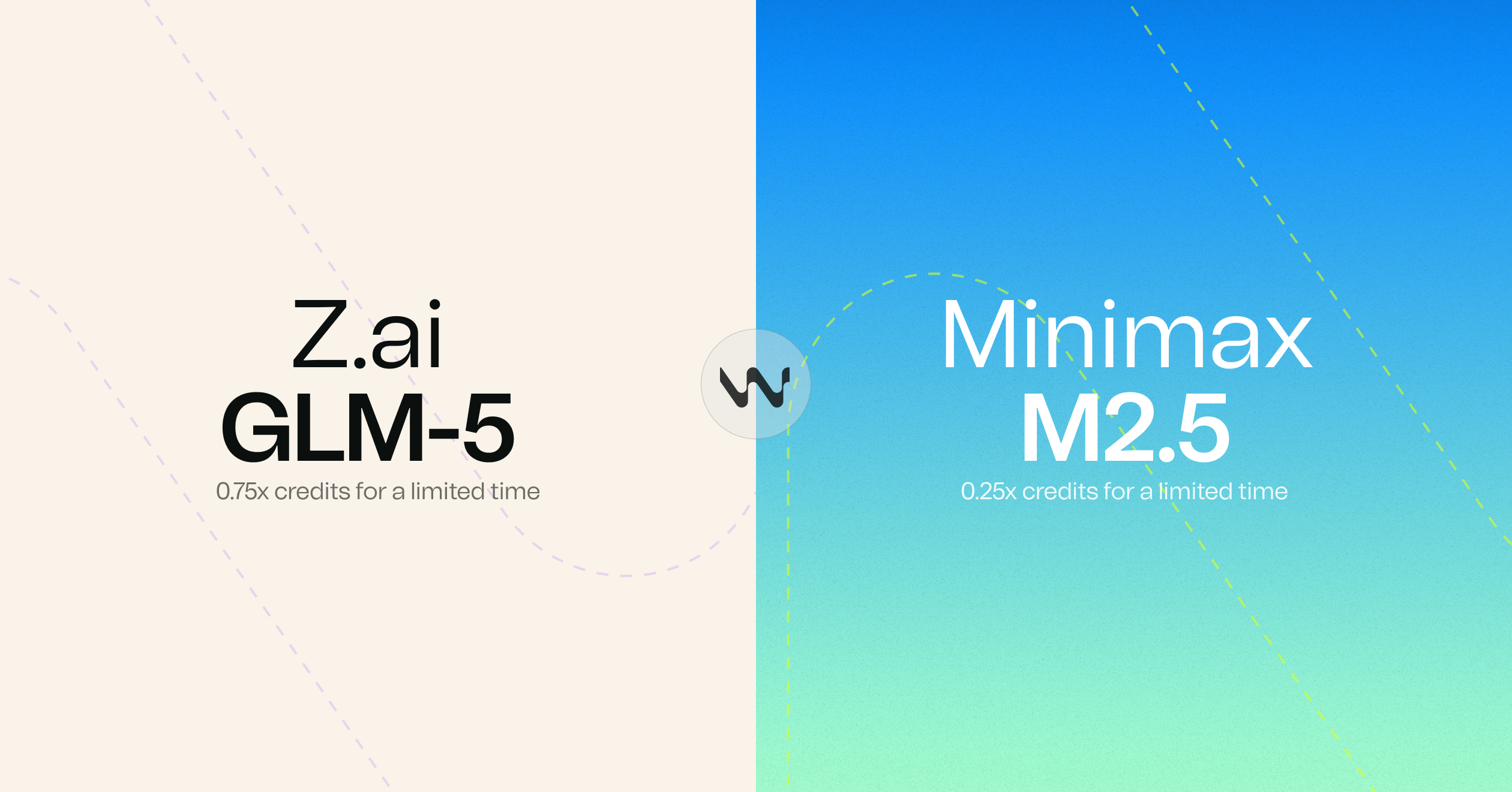
Two new models are now available in Windsurf with limited-time promotional pricing:
Both models are available to all users and are included in Arena Mode's Frontier Arena and Hybrid Arena battle groups.
.agents/skills directorypost_cascade_response hook via a new rules_applied fieldpost_write_code hooks to handle all code editing tool formats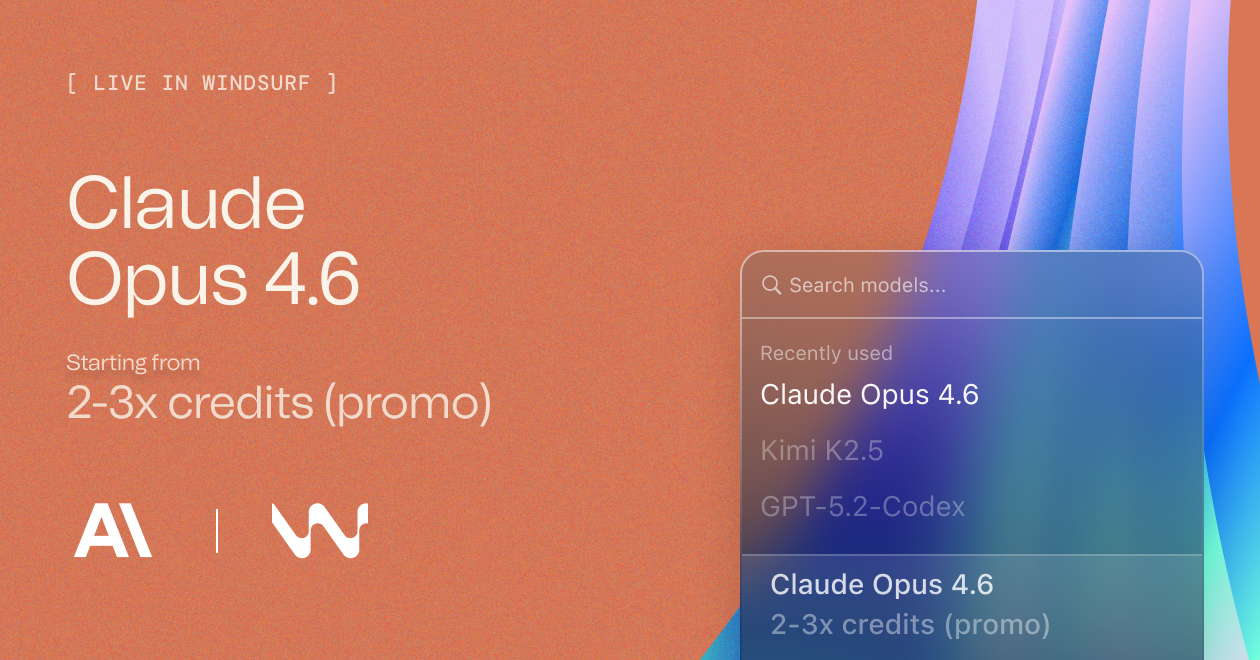
Claude Opus 4.6 (fast mode) is now available in Windsurf in research preview with limited-time promotional pricing for self serve users until Feb 16:
Opus 4.6 (fast mode) has the same intelligence as Opus 4.6 but with up to 2.5x higher output speeds.
Claude Opus 4.6 is now available in Windsurf with limited-time promotional pricing for self serve users:
Opus 4.6 is available in Arena Mode's Frontier Arena and Hybrid Arena. Try it head-to-head against other frontier models to see how it performs on your real-world tasks.
Arena Mode brings side-by-side model comparison directly into your IDE, plus Plan Mode for smarter task planning.
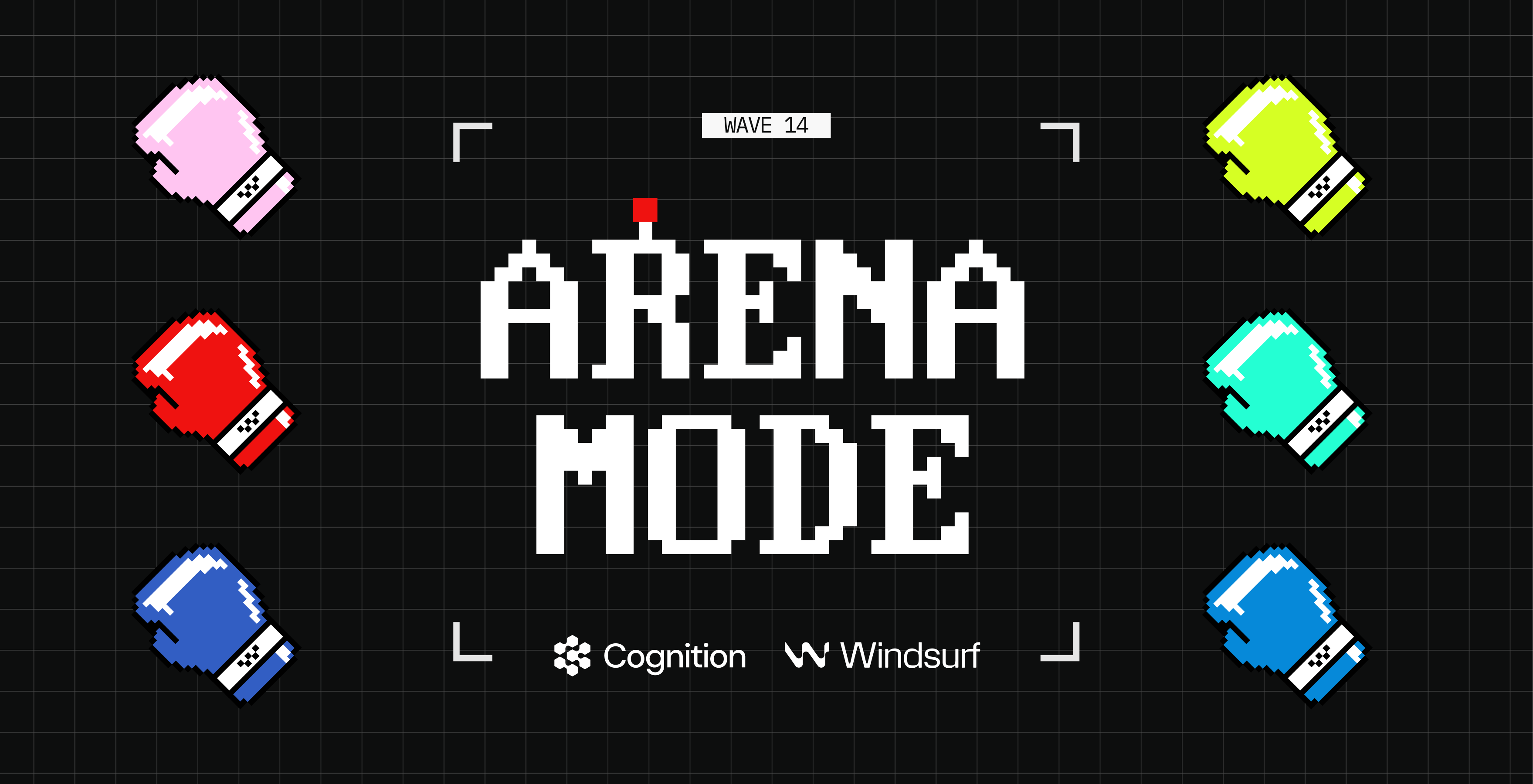
Run two Cascade agents side-by-side with hidden model identities and vote on which performs better. Arena Mode lets you discover which models actually work best for your workflow, codebase, and tasks—not just what benchmarks or influencers say.
To get started, select the new Arena tab in the model picker. All battle groups are free for the first week for paid users.
Plan Mode is a new Cascade mode alongside Code and Ask. Use it to create detailed implementation plans before diving into code.
Pro tip: Type megaplan in the Cascade input box to trigger an advanced form that asks clarifying questions to create a more aligned, comprehensive plan.
post_setup_worktree hook for initializing worktrees in Cascade
Adds support for GPT-5.2-Codex with four reasoning efforts (low, medium, high, and xhigh). GPT-5.2-Codex is OpenAI's latest model designed for agentic coding. It excels at working in large codebases over long sessions. For most tasks, we recommend using the medium reasoning effort.
Gemini 3 Flash is now available for all users. This model combines Gemini 3 Pro-grade reasoning with Flash-level speed and efficiency, making it ideal for agentic workflows and coding tasks.
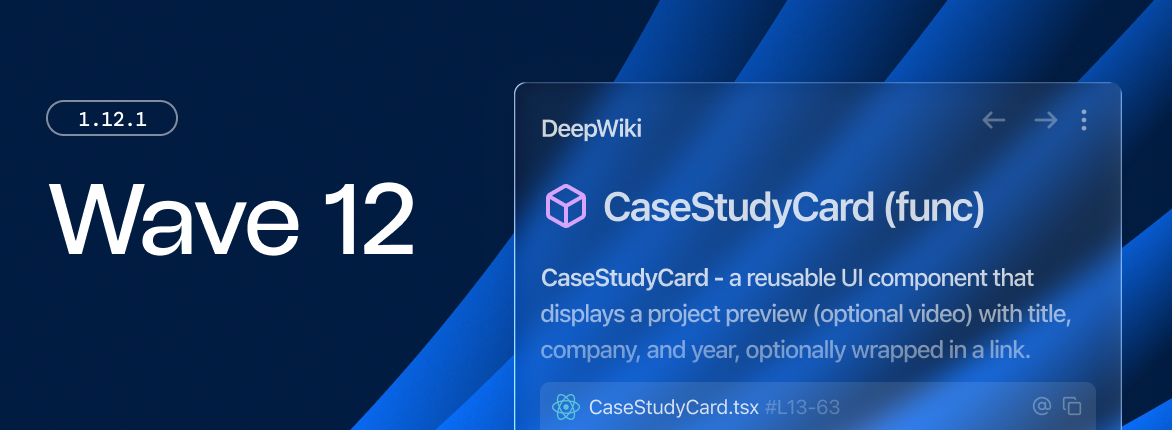
Wave 13 brings first-class support for parallel, multi-agent sessions in Windsurf, along with Git worktrees, side-by-side Cascade panes, and a dedicated terminal profile for more reliable agent execution.
Our near-frontier model, SWE-1.5, is now available for free to all users for the next 3 months. SWE-1.5 Free has the full intelligence of SWE-1.5, with the same coding performance on SWE-Bench-Pro, but delivered at standard throughput speeds. The original variant of SWE-1.5 hosted on Cerebras will continue to be available for paid users. SWE-1.5 Free will replace SWE-1 as the default model in Windsurf starting today.
Windsurf now supports Git worktrees, letting you spawn multiple Cascade sessions in the same repository without conflicts. Git worktrees check out different branches into separate directories while sharing the same Git history.
You can already run multiple Cascade sessions in Windsurf at the same time. Now, you can view and interact with them in separate panes and tabs within the same window. This lets you monitor progress and compare outputs of sessions side-by-side, or even turn Windsurf into a big Cascade dashboard.
Windsurf introduces a new approach for letting agents execute terminal commands. Instead of your default shell, Cascade will now run commands in a dedicated zsh shell specifically configured for reliability. The Cascade Dedicated Terminal can use the environment variables you set in your .zshrc configuration and is interactive, which means you can answer any prompts from shell scripts without having to break your flow. This should improve the reliability and speed of shell commands, especially for users with complicated prompts (e.g., powerlevel10k).
In this version, the Cascade Dedicated Terminal will be opt-in for Windsurf Stable on macOS. If you are experiencing issues with the older legacy terminal, we recommend switching to the new terminal early. We expect to make this feature the default in the future, while maintaining the legacy terminal extension for backwards compatibility purposes. You can opt-in in the Windsurf User Settings -> Disable Windsurf Legacy Terminal Profile.
When a model's context window grows too long, earlier context can be dropped without warning and performance can degrade. Cascade already extends the window by occasionally summarizing messages and clearing history. This release adds a visual indicator to see how much of your context window is currently in use, helping you anticipate limits and decide when to start a new session.
Execute custom commands at key points during Cascade's workflow, including on model response for auditing purposes.
Enterprises can deploy rules and workflows via MDM policies, allowing organizations to place rules and workflows files on users' machines.
Added a new "Promo" label to LLM models that are newly available or have special discount pricing
GPT-5.2 is now available in Windsurf. This model will be available for 0x credits in Windsurf (to paid users) for a limited time.
GPT-5.2 represents the biggest leap for GPT models in agentic coding since GPT-5 and is a SOTA coding model in its price range. The version bump undersells the jump in intelligence. We`re excited to make it the default across Windsurf and several core Devin workloads. - Jeff Wang, CEO of Windsurf
Download the latest version on Windsurf to try it out!
Users can now configure Cascade Hooks on user prompts for logging all user prompts and blocking policy-violating prompts.
Introducing GPT-5.1-Codex Max in three reasoning tiers (Low, Medium, High). Low variant available at no cost to paid users for a limited time.
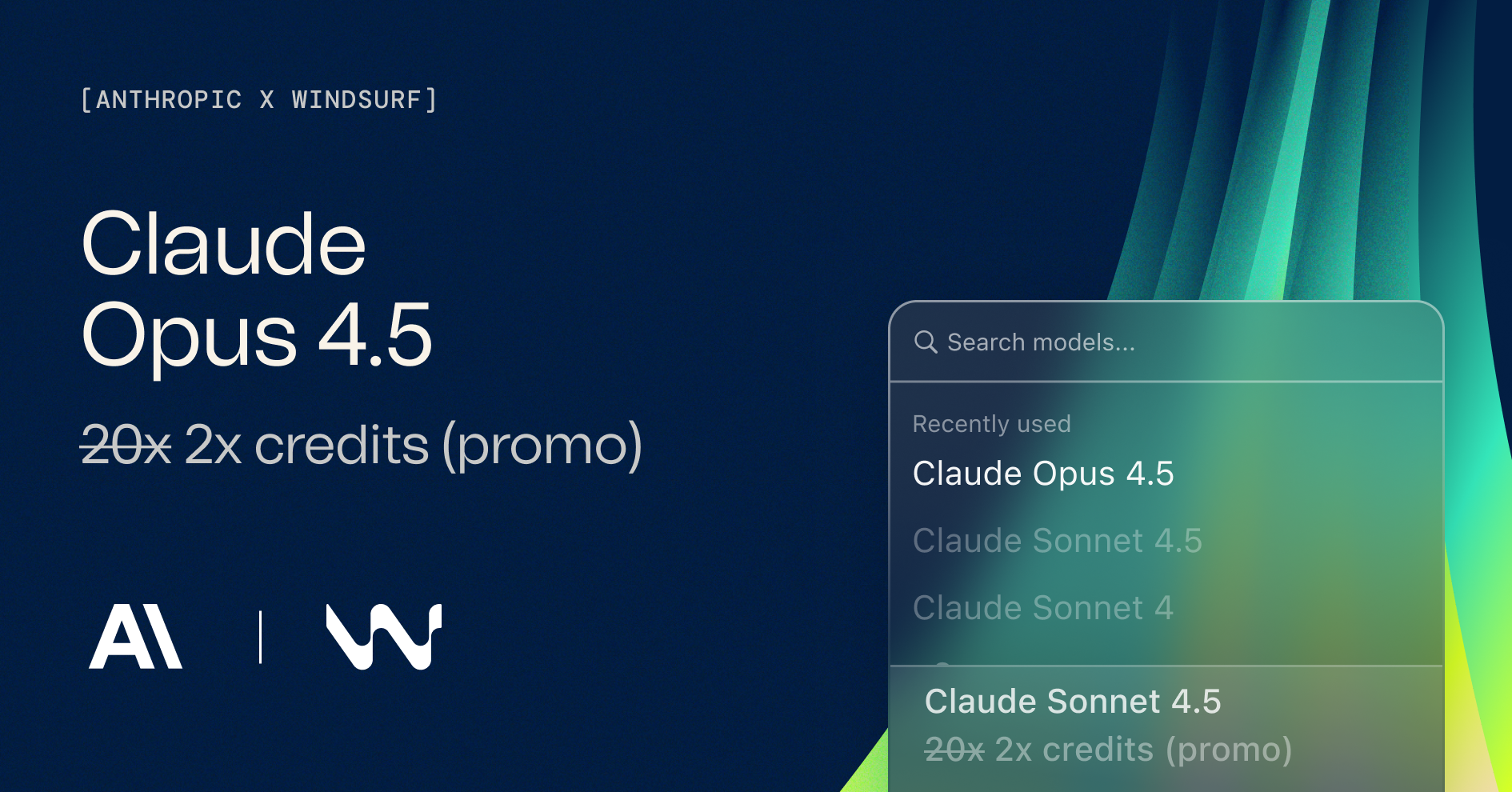
You can now use Claude Opus 4.5 in Windsurf!
Opus 4.5 is the most capable model in Windsurf yet and is now available at Sonnet pricing for a limited time (2x credits compared to 20x for Opus 4.1).
This model is available to all paid Windsurf subscribers.
Note: The Autocomplete setting has been removed as it was a legacy option that had no effect. Windsurf's Tab autocomplete feature is powered by Supercomplete.
.codeiumignore and .gitignore for Fast Context.
GPT-5.1 and GPT-5.1-Codex are now available in Windsurf. GPT-5.1 will become the default model in Windsurf for one week, and paid users get free access during this period.
GPT-5.1 and GPT-5.1-Codex deliver a solid upgrade from GPT-5 for agentic coding workflows. They're noticeably better at understanding what you're asking for and working with you to get it done. The new variable thinking feature dynamically adjusts reasoning depth—providing quick responses for simple tasks and more thoughtful analysis when complexity demands it.
mcp_config.json is modified, only the affected MCP server instance is initialized/refreshed; no other instances are refreshed.Option/Alt+Cmd+L when in an editor to attach the current file to Cascade.Codemaps now include powerful new capabilities:
Improved Cascade summarization to better handle longer conversations. Previously, summaries could be too aggressive and drop important context. Now maintains better continuity across long sessions with multiple file changes and user messages.
You can now try a new stealth model in Windsurf: Falcon Alpha. Falcon Alpha is a powerful agentic model designed for speed. We're excited to hear what you build with it!
Learn more on our blog.
GPT-5-Codex is now available for free (0x credits) for a limited time for paid users!
Free users can use GPT-5-Codex as well for 0.5x credits.
The Windsurf Browser will be deprecated on Sept 11. We plan to refactor and release a replacement feature in the coming months. Please use Previews instead.
Grok Code Fast 1 is now available in Windsurf for Pro and Teams users! We're excited to enable it for free (0x credits) for a limited time.
Starting on Tuesday, August 26, our GPT-5 promotion will end for all users. The new pricing will be:
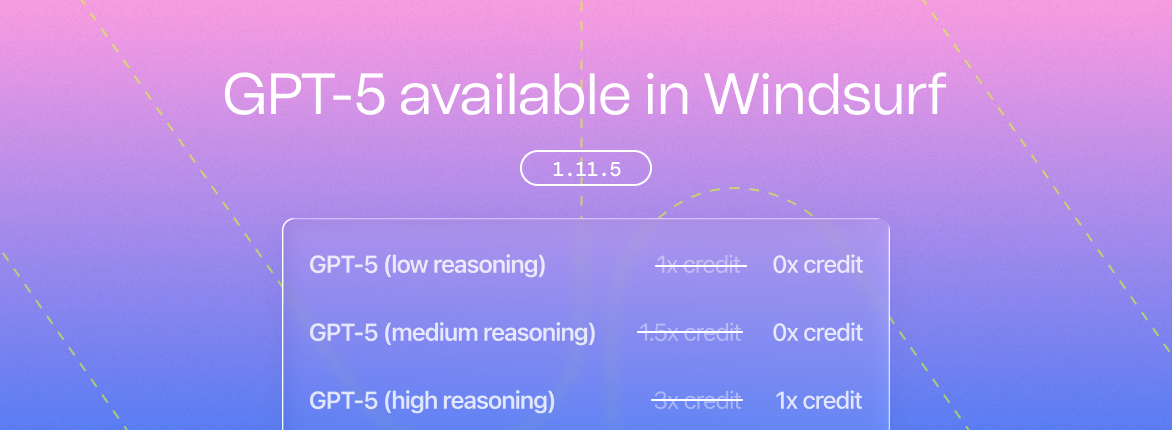
Windsurf now supports the GPT-5 suite of models including GPT-5 (low reasoning), GPT-5 (medium reasoning), and GPT-5 (high reasoning). They are available for free for a limited time for paying users!
Windsurf now supports Kimi K2 model which costs 0.5 credits per prompt.
.codeiumignore



Cascade now has a new premium model available: Claude 3.7 Sonnet
[ROLLING] Cascade supports GPT-4.5 as a beta model

@docs options now show in a scrollable view instead of limiting the results.@docs now includes even more options including Vercel, Bun, Supabase, and more
@docs has more options to choose from

@web: If you prefer to explicitly ask Cascade to search the web, use the @web command.@docs: Cascade can search through some popular documentation sites, including Windsurf's own help docs!devcontainer.json and container metadata